
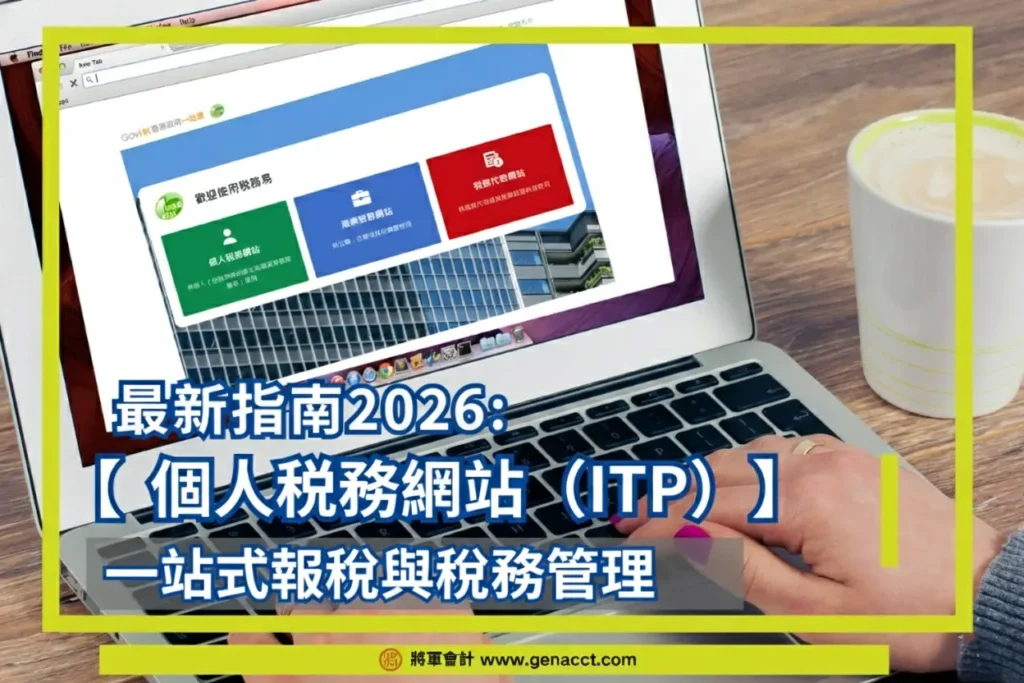
The Hong Kong Inland Revenue Department officially launched the new “eTAX Individual Tax Portal (ITP)” on July 22, 2025, aiming to provide taxpayers with one-stop online tax filing and tax management services.
This article analyzes the various functions of the “eTAX Individual Tax Portal (ITP),” its differences from the original “eTAX” system, and provides a detailed step-by-step eTAX ITP login tutorial.
More details: How much salary do I need to earn before paying tax?
What is the Individual Tax Portal (ITP)?
The eTAX Individual Tax Portal (ITP) is a new electronic tax platform upgraded from the former “eTAX” system, providing individuals with one-stop services for online tax filing and handling tax matters.
Taxpayers can use their eTAX ITP account to submit individual tax returns, check tax status, and update information through the Individual Tax Portal.
Differences Between Individual Tax Portal (ITP) and eTAX
Following the upgrade on July 22, 2025, the Hong Kong Inland Revenue Department divided eTAX into three portals: the Individual Tax Portal, the Business Tax Portal, and the Tax Representative Portal. The Individual Tax Portal (ITP) is one of these platforms.
Therefore, the updated eTAX includes both individual and business tax filing purposes, while the ITP website is exclusively for individual taxpayers.
Individual Tax Portal Uses / ITP Functions

After successfully logging into your individual tax account, the homepage will display the taxpayer’s name and available uses/functions, including:
My Account
Opening BTP user accounts, managing service agents, and canceling registered mobile phones.
Tax Matters
Individual tax, property tax (jointly owned), and employer matters. For example, submitting property tax returns and employer’s return IR56B.
Other Services
Business registration matters, stamp duty, Certificate of Resident Status, and purchasing Tax Reserve Certificates. For example, applying for business registration or stamping for share transfers.
Communication with the IRD
Message box and request for reply; you can view messages from the IRD or reply to their inquiries within the account.
For example, when applying for holding over of provisional tax via the Individual Tax Portal, you can view the application results and reply to the IRD in the message box.
Individual Tax Portal (ITP) Account Login Tutorial
Since the IRD has transferred eTAX data to the Individual Tax Portal, former “eTAX” accounts can continue to log into the Individual Tax Portal using their existing Taxpayer Identification Number (TIN) and password without registering a new account. The process for first-time login is as follows:
Step 1: Log in to the Individual Tax Portal
Go to itp.etax.ird.gov.hk/fe/pw/reg/itp/itpwelcome and log in using “iAM Smart” or eTAX credentials.

Step 2: Read the Terms and Conditions
Read the terms and conditions carefully, then click “Yes, I accept” in the bottom right corner.

Step 3: Enhance Password Security
Enter your existing eTAX password and a new password.

Step 4: Set Up Security Questions
Select two security questions, enter the answers, and click continue in the bottom right corner.

Step 5: Update Contact Information
Enter your mobile phone number and email address, then click continue in the bottom right corner.

Step 6: Verification
Verify the security questions, answers, mobile number, and email, then click confirm in the bottom right corner.

Step 7: Completion
The setup for the new eTAX Individual Tax Portal (ITP) account is complete. You can save or print this page for your records, then click continue to start using individual tax and online filing services.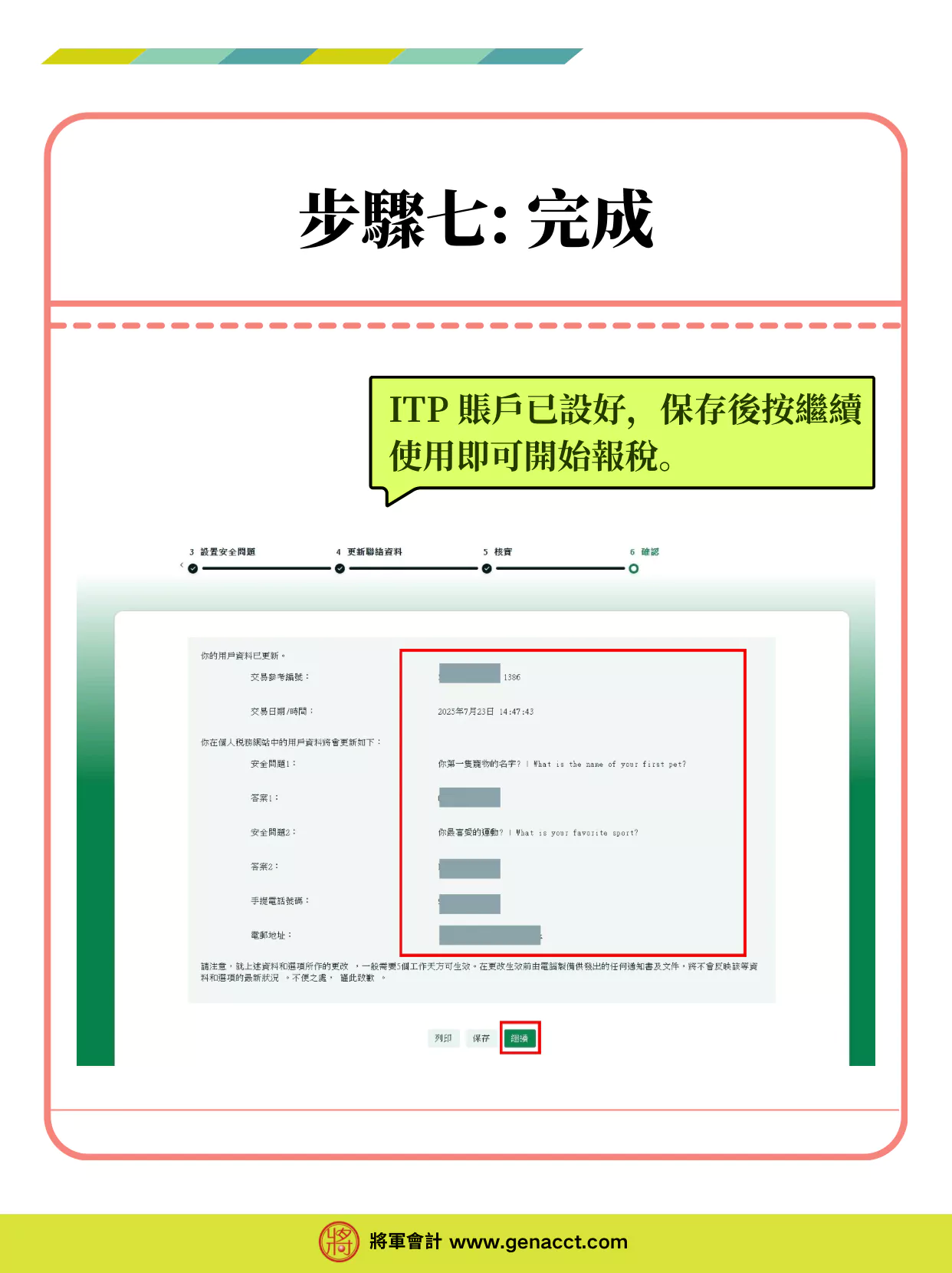
Frequently Asked Questions
Conclusion
The above is the ITP login tutorial and function introduction. Through this “Individual Tax Portal (ITP) Latest Guide,” we hope you have gained a comprehensive understanding of Hong Kong’s new electronic tax filing platform. As an upgrade to “eTAX,” ITP aims to simplify your tax management process, making “individual tax filing” and various tax matters more efficient and convenient.
General Accounting has been established for over 20 years, providing one-stop individual tax filing services. Trust or Company Service Provider License No.: TC002940. If you have any questions regarding the transition from eTAX to ITP, our professional customer service managers can provide a free preliminary tax filing inquiry.
Further reading:
Sources:
Hong Kong Inland Revenue Department – New Tax Portals Officially Launched
https://www.ird.gov.hk/eng/ese/etax.htm
Inland Revenue Department Information – Individual Tax Portal (ITP)
https://www.ird.gov.hk/eng/tax/itp.htm
General Accounting provides free consultation


